
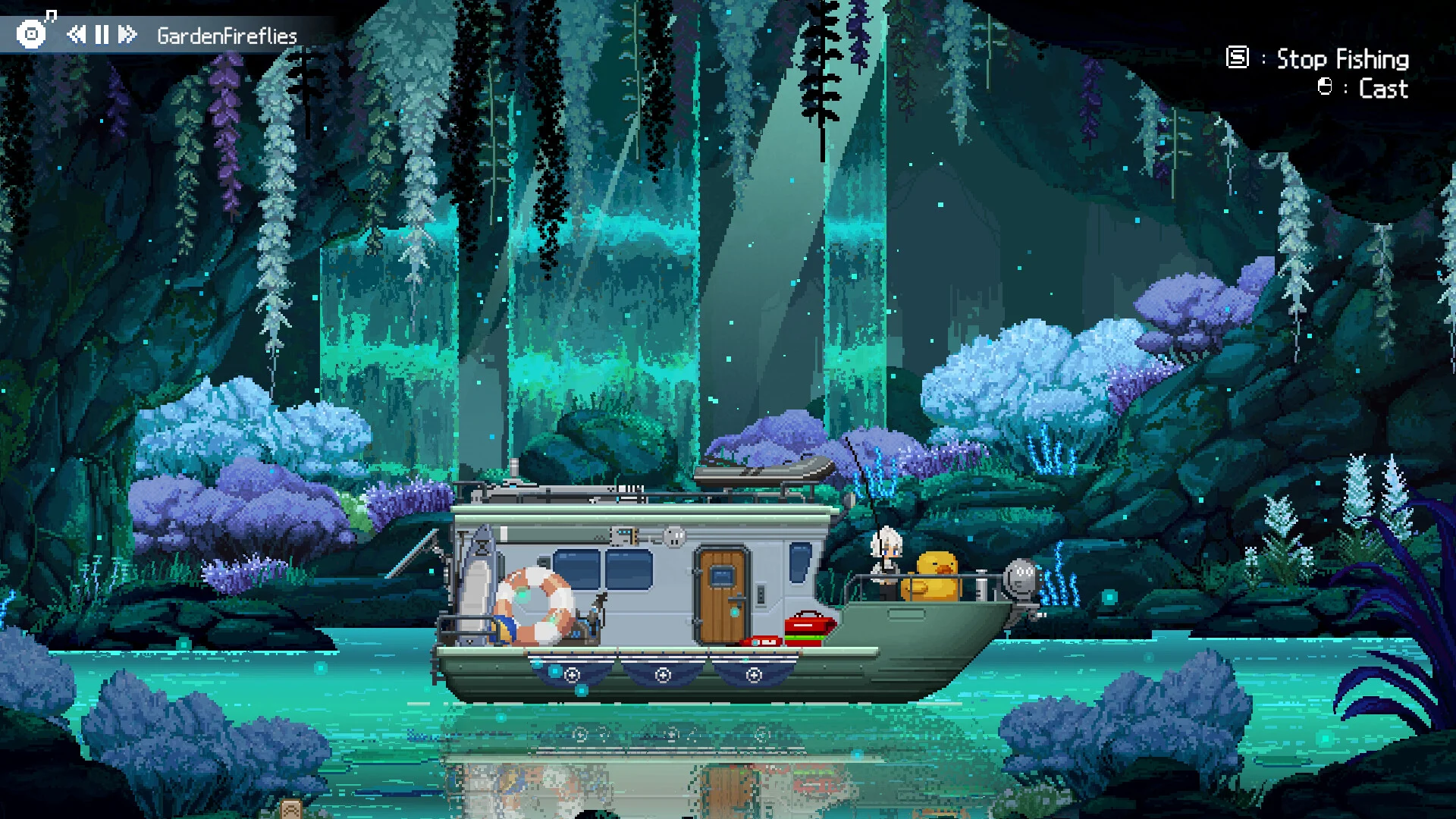
Steam screenshot · © EXLIX · Image and video credits
See how the fishing areas look
The Steam gallery shows bright open water and quieter places shaded by dense plants or rock. In the underwater screenshot, fish and the line sit among layered aquatic shapes. Comparing the images makes it easy to see how the game presents different parts of the same ocean.
Look inside the boats and homes
Official screenshots show the boat from the side and cut away portions of the cabin to show furniture. The trailer gives another look at the boats in motion and introduces customization. The Steam description ties the interior art to a system where materials from fish can become furniture.
See the village and character art
Steam’s character scenes show residents together in the village and in conversations. The demo preview highlighted how the houseboat, water, and visual presentation contributed to the atmosphere. Use the official footage to see how those settings look during play.
Find official examples and credit their source
Open the Steam media gallery for official screenshots and the September EXLIX upload for moving footage. The February announcement shows an earlier promotional view. When citing an official screenshot or a trailer still, identify the material and credit EXLIX.