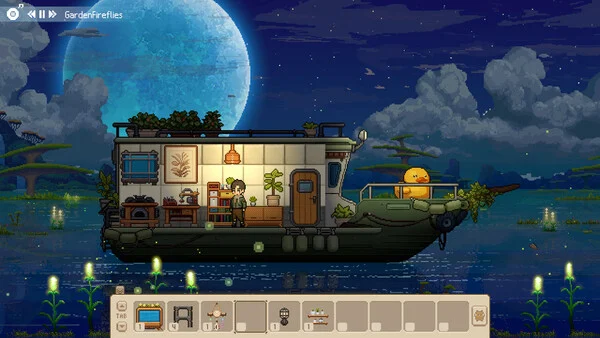
Steam lists Windows 10, an Intel Core i3, 2 GB RAM, OpenGL 3.2-compatible graphics or better, and 2 GB of free storage as the minimum. It recommends Windows 10 or later, an Intel Core i5, and 4 GB RAM. Graphics and free storage requirements stay the same in both tiers.
Start by comparing your operating system and processor with the Steam listing. The minimum tier specifies Windows 10 and an Intel Core i3. It also calls for 2 GB of memory, 2 GB of available storage, and support for OpenGL 3.2 or newer.
Compare the recommended hardware
The recommended tier moves to an Intel Core i5 and 4 GB of RAM. It lists Windows 10 or later, with the same OpenGL support and free disk space. Check memory and storage separately because the numbers describe different parts of the system.
Read the Steam Deck rating separately
EXLIX said it intended to support Steam Deck. The store’s compatibility field was Unknown when the requirements were reviewed. Use the live Steam compatibility field if you need the current rating for buying or playing on Deck.
Try the free demo on your own PC
Use the Steam demo to see how the game feels on the machine you plan to play on. Try a fishing session and a window size you expect to use. That gives you a practical comparison alongside the published requirements.